

Automated property reporting pulls data from your PMS, accounting platform, and inspection apps, then turns it into owner statements, CMAs, and portfolio dashboards without a human building each one from scratch. AI-driven automation handles the narrative writing and anomaly checks. The practical move for any UK letting agency or property manager right now is simple: pilot an integrated platform on your highest-volume report type before rolling it out everywhere.
TL;DR:
- Automating owner statements can free up to four or five hours weekly, allowing staff to focus on lease renewals and property visits.
- Successful integration depends on mapping data fields correctly across systems like PMS, accounting, and inspection apps before starting automation.
- Prioritize automating high-volume, template-friendly reports such as owner statements and campaign updates to maximize return on investment.
- A phased rollout beginning with pilot testing on a small property subset helps identify data issues and ensures smooth scaling across the portfolio.
- Maintaining data security and compliance requires verifying platform certifications, implementing role-based access, and keeping an audit trail of report generation.
Table of Contents
- What automated property reporting actually does day to day
- How it works: integrations, data and the AI features worth paying for
- Which reports to automate first
- Step-by-step: how to roll out automated reporting without disruption
- Where automation goes wrong and how to prevent it
- What Prop Report's evidence tells you to expect
- Measuring success and scaling without losing quality
- How Prop Report fits into your reporting workflow
- Sources
- FAQ
What automated property reporting actually does day to day
Automated property reporting works in three stages: it pulls data from wherever it lives, drops it into a fixed template, and sends the finished report out on a schedule or trigger. That sounds mundane until you count the hours it saves. A landlord statement that once took a property manager a substantial amount of time to compile by hand, checking rent receipts against a spreadsheet, chasing a maintenance invoice, and formatting a PDF, can be generated in minutes once the data sources are connected properly.
The value shows up in three places:
- Staff hours reclaimed. Repetitive reports like vendor campaign updates and landlord statements are commonly cut from tens of minutes down to a few minutes once automation handles the assembly work.
- Fewer owner queries. A landlord who receives a clear, consistent statement every month tends to ring the office less than one who gets an inconsistent format each time.
- Standardisation across the portfolio. Every property gets the same structure, the same metrics, the same tone, regardless of which team member (or algorithm) produced it.
The knock-on effect matters more than the time saving itself. A property manager who reclaims four or five hours a week on reporting can spend that time on lease renewals, arrears follow-up, or actually visiting properties. That's the real return: not the report itself, but what the freed-up hours get spent on.
How it works: integrations, data and the AI features worth paying for
Automated reporting is only as good as the data feeding it. Before you evaluate any platform, map out where your property data actually lives:
- Property management system (PMS) for tenancy, rent, and arrears data
- Accounting software for invoices, expenses, and owner payments
- Listing portals for enquiry volume and campaign performance
- Inspection or inventory apps for condition reports and photographic evidence
- IoT sensors, where fitted, for utility usage or occupancy signals
Integration usually happens through APIs, though CSV imports and webhooks still cover the gaps when a legacy system has no proper interface. The pitfall almost every agency hits is field mapping. A tenancy status field called "active" in one system might be "current" in another, and if nobody reconciles that before go-live, reports will quietly misstate occupancy for months. Budget real time for a data readiness check before you assume integration means plug-and-play.
Once the data is flowing cleanly, the AI features that actually earn their keep are narrative generation, anomaly detection, and image-based evidence capture. Narrative generation writes the plain-English commentary that explains why arrears rose or a maintenance cost spiked, which is often what reduces an owner's anxiety more than the raw figures ever do. Anomaly detection flags a rent payment that's late or a utility bill that's unusually high before it reaches an owner unexplained. Automated measurement tools, the kind Matterport documents in its property report features, extract room dimensions and layouts directly from scan data, which speeds up inspection reporting considerably.
Pro Tip: Test the AI narrative feature on a property with a genuinely messy history first, a rent arrears case or a disputed deposit, rather than a clean, simple tenancy. That's where you'll see whether the commentary is actually useful or just generic filler.
Industry commentary is right to separate the useful AI from the hype: image recognition and voice-led reporting deliver real value, whereas some marketed "AI insights" amount to little more than a chatbot restating numbers you already had.
Which reports to automate first
Not every report deserves the same priority. Rank them by volume and how template-friendly they are:
- Owner and landlord statements. These are monthly, repetitive, and follow an almost identical structure every time, which makes them the easiest win and usually the fastest ROI.
- Campaign and CMA reports. Comparative market analyses and marketing campaign updates for live listings benefit from automated data pulls on enquiry volume, viewings, and portal performance.
- Inspections, inventories, and check-out reports. These combine photos, condition notes, and measurements. Mobile inspection apps already show what this workflow can look like, with exportable reports built directly from on-site check-ins.
- Portfolio dashboards and investor packs. These pull from multiple properties at once and suit landlords or investors managing several units who want a single consolidated view rather than a report per property.
Start with owner statements. They're high-volume, low-complexity, and the fastest way to prove the case for automation to a sceptical team before you tackle the messier inspection workflows.
Step-by-step: how to roll out automated reporting without disruption
Getting from manual reporting to automated reporting doesn't need to be a big-bang rollout. A phased approach reduces risk and gives you evidence to justify wider investment.
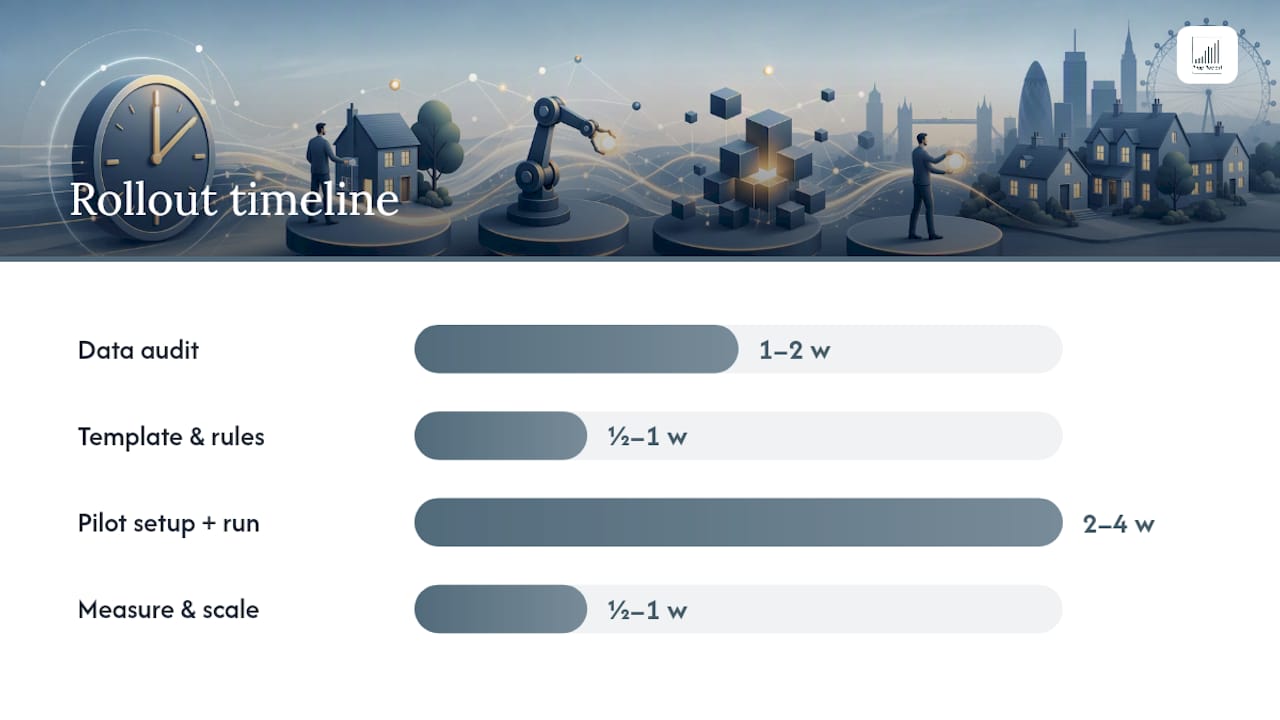
- Pick your starting report type. Choose the highest-volume, most template-friendly report in your business, almost always the landlord statement, and resist the urge to automate everything at once.
- Run a data readiness check. Audit your PMS and accounting exports for missing fields, inconsistent naming, and duplicate records. This is the step teams skip and regret.
- Define the template and narrative rules. Decide what goes on page one, what metrics matter, and what triggers an automated explanation (a rent arrears flag, a maintenance cost above a set threshold). The strongest reports pair a handful of top-line metrics with a short, forward-looking section rather than a wall of numbers.
- Agree distribution cadence. Monthly for owner statements, weekly for active campaigns, on-demand for inspections. Set this before launch so nobody is guessing.
- Run a pilot on a small subset of properties. Ten to twenty units is usually enough to surface mapping errors without risking your whole portfolio.
- Measure before you scale. Track hours saved per report, the number of owner queries received before and after, and how many reports needed manual correction.
- Scale once the pilot numbers hold up. Expand to the next report type only after the first one is running with minimal manual intervention.
Pro Tip: Keep a simple spreadsheet during the pilot logging every manual correction you make to an automated report. After four weeks, that log tells you exactly where your data mapping is weak, far more usefully than any vendor's feature list.
A realistic timeline for this whole process, from first data audit to a fully running pilot, tends to run four to eight weeks depending on how many systems need connecting.
Where automation goes wrong and how to prevent it
Most reporting automation failures trace back to one of three causes: incomplete data feeds, unresolved field mapping between systems, and ad-hoc requests that don't fit any template. An owner asking for a bespoke breakdown mid-tenancy will always need a human, and that's fine, automation should handle the repeatable 80%, not the exceptional 20%.
On the compliance side, check two things before reports go anywhere near an owner portal: how data is transferred between systems, and what consent framework governs any cookies or tracking on the portal itself. Publishers and platforms should follow documented TCF purpose categories for transparency, and general business data handling guidance is a useful baseline when reviewing any third-party portal.
Mitigate the risk with three habits:
- Keep a human in the loop for final review until error rates fall consistently below your threshold.
- Maintain an audit trail showing what data fed which report and when it was generated.
- Apply role-based access so only the right team members can edit templates or approve distribution.
What Prop Report's evidence tells you to expect
A specialist platform for automating data reporting for landlords and property managers, with certifications underpinning its approach to data security. That certification matters specifically because reporting automation touches financial data, tenancy records, and personal information across every property in a portfolio, exactly the kind of data an audited security standard is designed to protect.
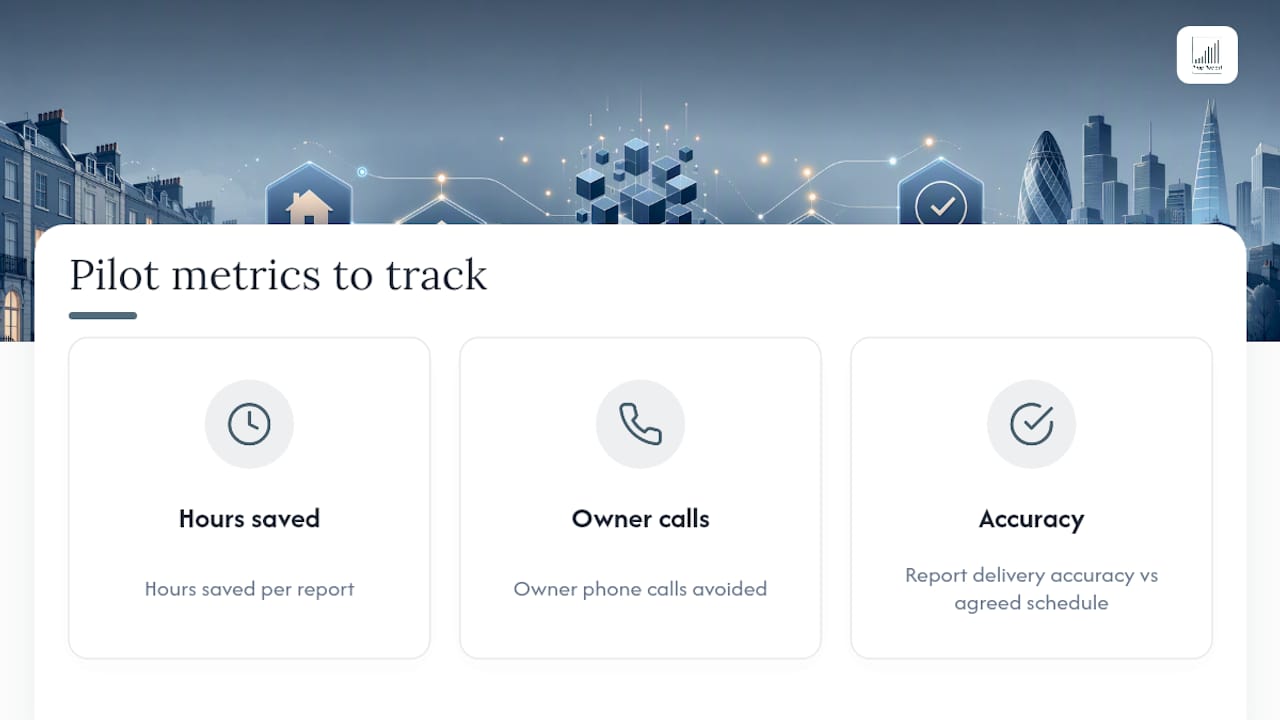
If you're running a pilot, track three numbers from day one: hours saved per report, the number of owner phone calls avoided, and report delivery accuracy against your agreed schedule. Those three figures, more than any feature list, tell you whether the platform is actually working for your team.
Measuring success and scaling without losing quality
The KPIs that actually matter are hours per report, owner satisfaction, and on-time delivery, in that order. Hours per report tells you if automation is working technically. Owner satisfaction tells you if it's working for the people who matter most. On-time delivery tells you if the process is sustainable once you scale past your pilot properties.
Governance matters more than most teams expect. Set a monthly review cadence to check for template drift and mapping errors before they compound. The biggest pitfall when scaling is treating the pilot's success as permanent rather than as a baseline that needs revisiting every quarter.
— James
How Prop Report fits into your reporting workflow
The platform is built around the exact gaps this article covers: automated data reporting, CRM and accounting integrations, a landlord-facing owner portal, and certified security controls, consolidated into one platform rather than a patchwork of spreadsheets and email chains.
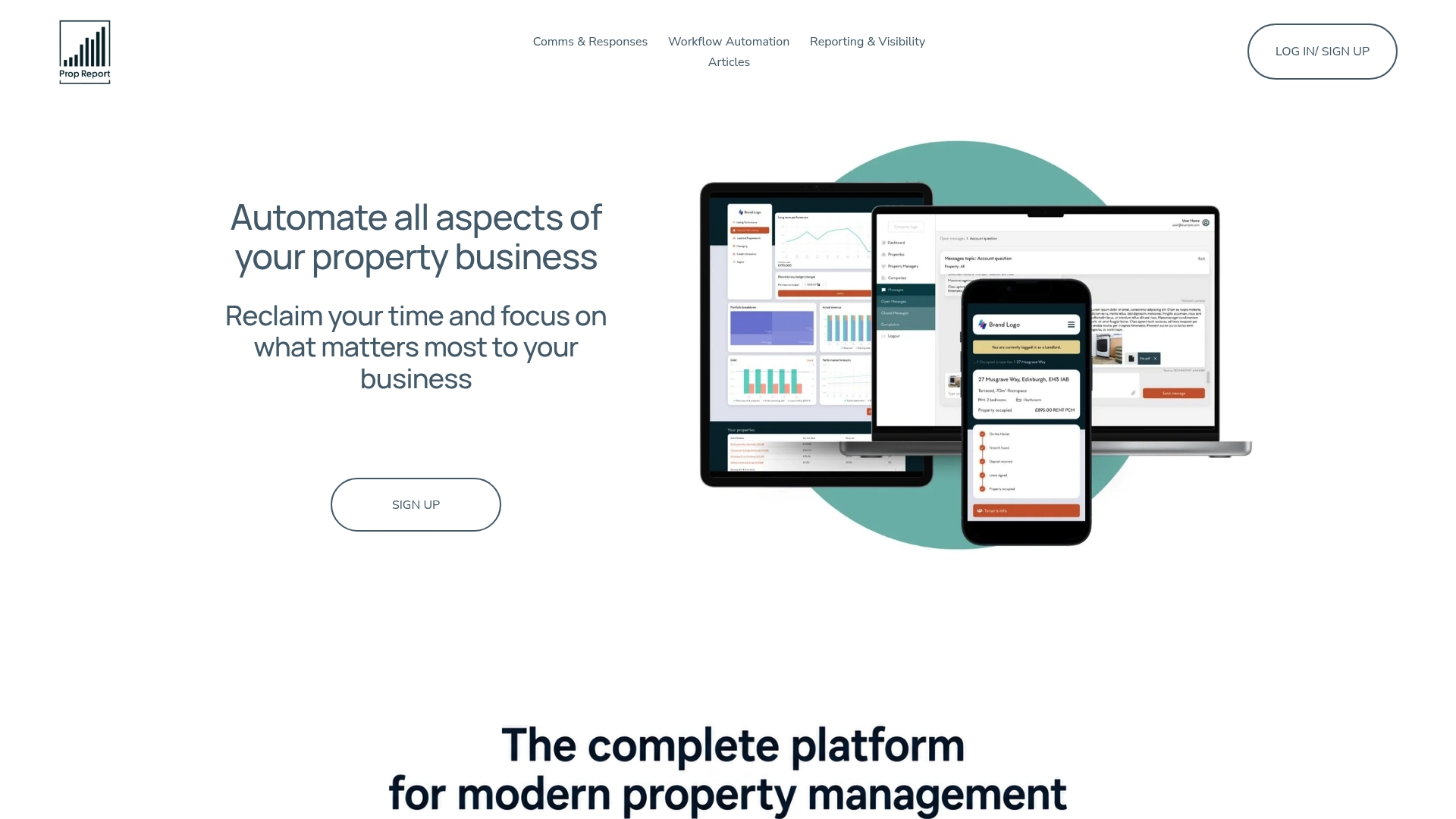
A demo typically walks through connecting your existing PMS or accounting system, mapping your first report template, and setting a distribution schedule, so you can see your own data running through the platform rather than a generic sample. If you manage landlord relationships and want fewer status-update calls and more consistent statements going out on time, explore Prop Report's AI-driven property management features or head to the landlord reporting tools to see what a connected statement looks like. Book a demo to test it against your own portfolio data before committing to anything wider.
Sources
For privacy and consent frameworks relevant to report distribution, see TCF purpose categories and Google's business privacy guidance.
FAQ
What is automated reporting?
Automated reporting is the process of pulling data from source systems, formatting it into a template, and delivering it on a schedule or trigger, without a person manually assembling each report from scratch.
What are the three main types of property reports to automate?
Owner and landlord statements, campaign and CMA reports for active listings, and inspection or inventory reports with photos and measurements cover the majority of a property manager's repetitive reporting workload.
How do I automate my reporting process?
Start by mapping your data sources, run a data readiness check to fix field mismatches, define your template and narrative rules, then pilot the automation on one high-volume report type before scaling. Platforms like Prop Report are built to connect PMS and accounting systems directly into that workflow.
What should I look for in property data reporting tools?
Prioritise clean integrations with your existing PMS and accounting systems, AI narrative generation that explains anomalies in plain English, and verified data security credentials to protect your data.
How long does it take to set up automated property reporting?
A typical rollout, from initial data audit through to a running pilot, takes around four to eight weeks depending on how many systems need connecting and how clean your existing data is.