

This page gives you a working library of property management document templates, ready to download as Word, PDF, Excel or Google Docs files and adapt in minutes. Below, you'll find the core template categories every portfolio needs, the clauses that stop disputes before they start, and a practical route for turning static paperwork into an automated, audit-ready workflow.
TL;DR:
- Most key templates should be obtained from trusted sources like property management bodies or solicitor-reviewed providers to ensure legal compliance and relevance to your jurisdiction.
- Use Word or Google Docs for documents requiring frequent editing and PDF formats for signatures, financial spreadsheets, or inspection checklists to match document function.
- Always retain all legal clauses, especially regarding deposit protection, notice periods, and repair responsibilities, to prevent disputes during legal challenges.
- Regularly update and test templates with live property data to avoid version drift and ensure all legal and operational information remains current.
- Automate document workflows using management systems to improve audit trails, reduce manual errors, and centralize communication and record keeping.
Table of Contents
- Document templates for property management: the core library
- What fields and clauses actually matter?
- Where to find templates and which format to choose
- How do you customise templates without breaking them?
- Integrating templates into operations: from static forms to automated workflow
- Quick-start kit: ten templates and when to send them
- Common mistakes to avoid with property management templates
- Author perspective: start small, standardise, then automate
- Prop Report: turn your template library into an automated workflow
- Where to check templates and legal updates
- Sources
Document templates for property management: the core library
Every portfolio, whether you manage five flats or five hundred, needs the same skeleton of paperwork. The categories below cover the recurring documents that trade bodies and template libraries consistently publish, because they map to the moments where disputes and admin errors happen most.
- Management agreement: sets out fees, responsibilities and termination terms between landlord and managing agent. Use Word or Google Docs so clauses stay editable before signing.
- Tenancy or lease agreement: the tenant-facing contract covering rent, term, deposit and obligations. Keep this in Word for redlining, then export to PDF for signature.
- Application and screening forms: capture income, references and consent for credit checks. A fillable PDF works well here.
- Inspection and inventory checklists: document condition at move-in and move-out, ideally with photo fields. Excel or Sheets suits itemised scoring.
- Maintenance and work order forms: track reported issues, vendor assignment and completion sign-off.
- Rent receipts and deposit records: financial proof for both parties, best kept in Excel for running totals.
- Owner reports: periodic summaries of income, costs and occupancy for landlord clients.
- Operational checklists: recurring tasks such as compliance renewals, safety certificate tracking and key handovers.
Building this set first, rather than chasing niche one-off forms, gives you the property management forms that cover the vast majority of day-to-day paperwork.
What fields and clauses actually matter?
Downloading a template is the easy part. The harder job is checking it contains the provisions that hold up when a tenant challenges a deduction or an owner disputes a fee. Three documents carry most of the legal weight in a typical portfolio.
- Property management agreement: needs a defined scope of services, a fee structure (flat, percentage or tiered), a termination notice period, and a liability or indemnity clause. Ambiguity here is the single most common cause of landlord-agent disputes.
- Tenancy or lease agreement: must state the rent amount and due date, deposit amount and protection scheme, break clause conditions, and the exact repair responsibilities split between landlord and tenant. Vague repair wording is the single biggest driver of deposit disputes.
- Inspection checklist: should include room-by-room condition scoring, photo or video evidence fields, meter readings, and signatures from both parties at the point of inspection. Without a signature field, an inspection report carries far less weight if challenged later.
Fields that commonly cause disputes and need explicit wording include: who pays for what type of repair, how notice periods are calculated (calendar days versus working days), and what evidence counts as proof of condition. Attorney-reviewed templates tend to pre-empt these gaps because they're drafted against known dispute patterns rather than convenience.
Pro Tip: Never strip out a clause because it looks like boilerplate. Mandatory wording around deposit protection, notice periods, or landlord obligations often exists because a tribunal case made it necessary. If a clause looks redundant, get it checked before deleting it, not after.
Where to find templates and which format to choose
Not every source is equally trustworthy, and the format you pick should match how the document gets used, not just what's easiest to open.
For source quality, three tiers stand out:
- Trade bodies, which publish templates and forms that tend to reflect current legislation and carry professional credibility if challenged.
- Established template libraries such as Smartsheet's property management collection, which offer editable Word, PDF and spreadsheet formats built for adaptation rather than one-off use.
- Solicitor-reviewed sources, which flag jurisdiction-specific clauses you'd otherwise miss.
For format, match the tool to the task. Use Word or Google Docs for anything you'll redline repeatedly, like tenancy agreements. Use fillable PDF for anything that needs a clean signature flow. Use Excel or Google Sheets for financial ledgers, inspection scoring, or anything with running totals.
Before trusting a download, check for three signals: is it legally checked, is it genuinely editable rather than locked, and does it carry a clear licence for commercial use.
How do you customise templates without breaking them?
Customisation goes wrong in two directions: leaving generic placeholder text that confuses tenants, or deleting clauses that were legally load-bearing. A structured approach avoids both.
- Adopt a consistent variable naming convention, such as
{{tenant_name}},{{property_address}},{{lease_start}},{{deposit_amount}}, so every document pulls from the same fields. - Centralise those values in one spreadsheet or system rather than retyping them into each document.
- Never remove mandatory legal wording (deposit protection clauses, notice period definitions) without a review, even if it looks like boilerplate.
- Test every notice period and deadline against current jurisdictional rules before sending, since these change more often than the templates do.
- Use clear file naming and version numbers (
Lease_v3_2026.docx) and store the current version in one shared, access-controlled location.
If you're already testing automation, a platform like Prop Report's AI-driven workflow tools can lift these variables directly from your property records rather than requiring manual entry each time, which matters once your portfolio passes a handful of properties.
Pro Tip: Keep one "master" copy of each template locked from editing, and let staff work only from duplicates. This single habit prevents more accidental clause deletions than any policy document ever will.
Integrating templates into operations: from static forms to automated workflow
A folder of Word documents solves the paperwork problem. It doesn't solve the audit trail problem, and it doesn't stop three staff members using three slightly different versions of the same lease. Integration closes that gap by connecting templates directly to your property records.
Once templates sit inside a management system rather than a shared drive, three things change: fields auto-populate from your tenant and property data, every sent document leaves a timestamped record, and communications across email, SMS and WhatsApp sit in one searchable thread instead of scattered inboxes.
Prop Report builds this integration path with ISO 27001-certified data security, consolidated workflows, and real-time reporting that surfaces to landlords through an owner portal. Portfolio inefficiency is a real cost, not an abstract one. Property managers can lose over £45,000 a year to time spent on manual admin that structured templates and automation are designed to eliminate.
A short migration checklist:
- Map every template variable to its corresponding field in your management system.
- Test each template with a live property before rolling it out portfolio-wide.
- Train staff on the naming convention and where the master copies live.
Quick-start kit: ten templates and when to send them
Save these as canned responses or reusable documents, and you'll cover most recurring tenant, owner and vendor moments without drafting from scratch each time.
- Tenancy agreement — new lease signing. Placeholders: tenant name, rent, term. Channel: signed PDF via email.
- Application form — prospective tenant screening. Placeholders: income, references. Channel: fillable PDF.
- Move-in inspection checklist — condition record at handover. Placeholders: room scores, photos. Channel: shared drive or app.
- Move-out inspection checklist — deposit deduction evidence. Placeholders: comparison notes. Channel: same as move-in.
- Maintenance work order — vendor task assignment. Placeholders: issue, cost estimate. Channel: email or SMS.
- Rent reminder message — payment due notice. Placeholders: amount, due date. Channel: SMS or email.
- Renewal offer letter — lease extension terms. Placeholders: new rent, term. Channel: email.
- Owner monthly report — income and cost summary. Placeholders: figures, occupancy. Channel: email or portal.
- Deposit return statement — final settlement. Placeholders: deductions, balance. Channel: email with PDF attached.
- Welcome pack message — move-in instructions. Placeholders: access details, contacts. Channel: WhatsApp or email.
File names like RentReminder_template.docx, stored in one shared, permission-controlled folder, prevent the version confusion that undermines most template libraries within a year.
Common mistakes to avoid with property management templates
The templates themselves rarely fail. What fails is how they're maintained and used once they're in circulation.
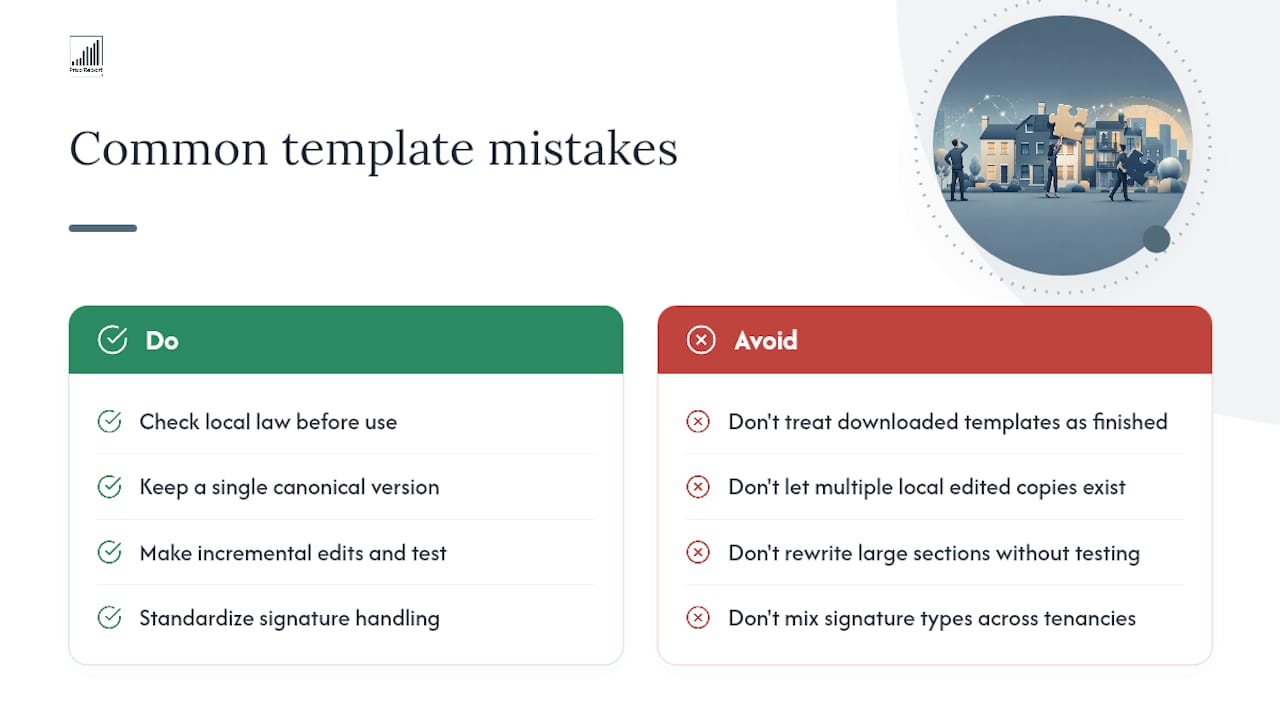
The most frequent error is treating a downloaded template as a finished legal document rather than a draft. A template found online reflects general practice, not your specific jurisdiction's current notice periods or deposit rules, so checking local law before relying on it matters every time, not just on first use.
The second is version drift. Once three staff members each have a slightly edited copy of the same tenancy agreement saved locally, nobody can say with confidence which clauses a live tenant actually agreed to. This is usually a storage problem disguised as a template problem.
The third is over-customising before testing. Teams sometimes rewrite half a template's structure on day one, only to discover a mandatory clause got dropped in the process. Change one section at a time and confirm it still reads correctly before moving to the next.
The fourth is inconsistent signature handling. Mixing wet-ink signatures, scanned PDFs and e-signature platforms across different tenancies makes it harder to prove which version is legally binding if a dispute reaches a tribunal.
The fifth is skipping the audit trail entirely. A template sent by email with no record of when, to whom, or what was attached leaves you exposed the moment a tenant claims they never received a notice.
Author perspective: start small, standardise, then automate
The instinct is to build a template for every situation before you send a single one. Resist it. Start with the five or six documents you send weekly, get those consistent, and only then automate. Over-customising before you've tested a template against a live tenancy is how mandatory clauses quietly disappear.
— James
Prop Report: turn your template library into an automated workflow
Manual template management works until your portfolio grows past a handful of properties, then version control and chasing signatures start eating hours every week. Prop Report replaces that manual layer by centralising every template, auto-filling variables straight from your property records, and logging every communication across email, SMS and WhatsApp in one thread.
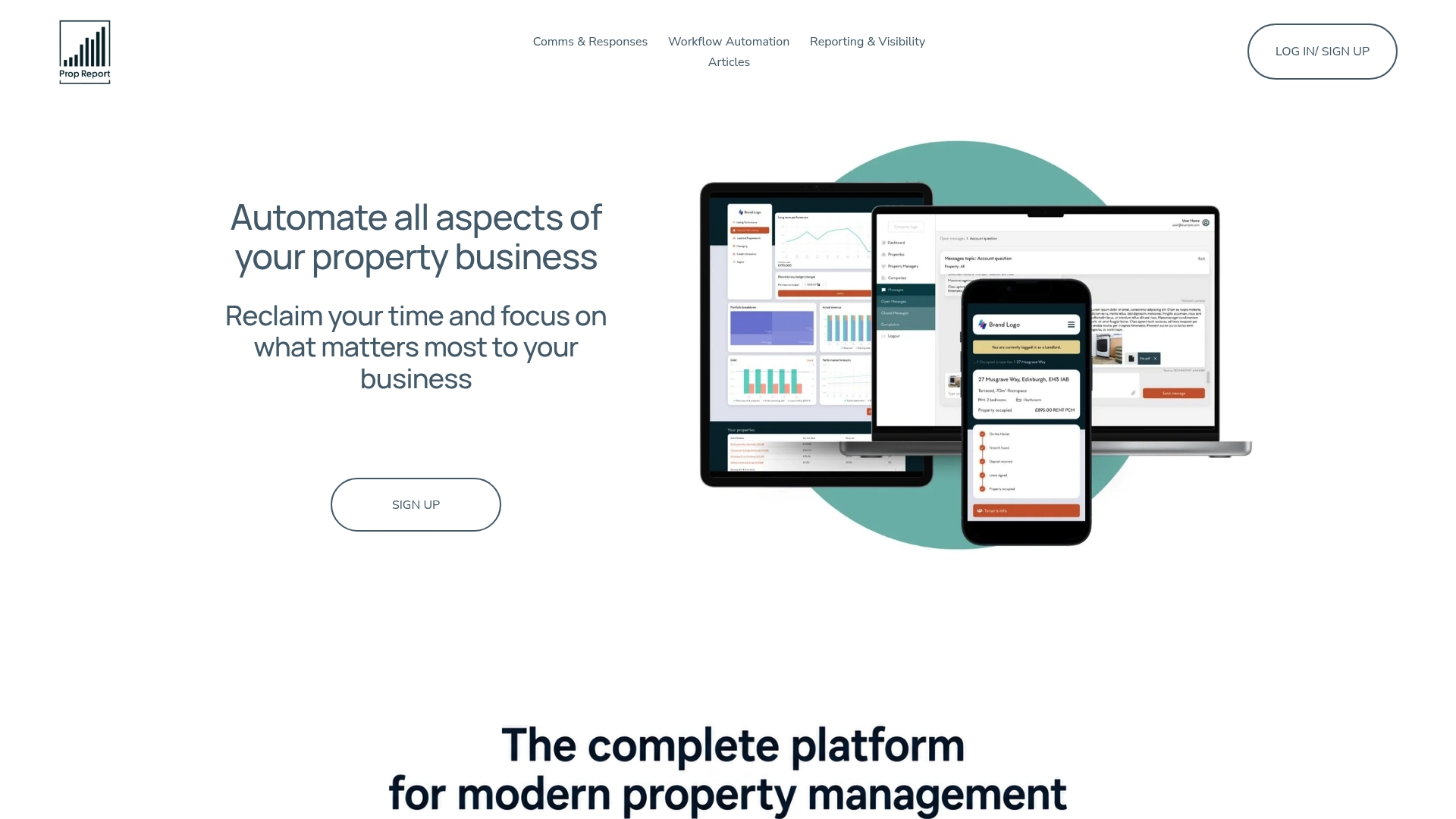
Every document sent through the platform carries an audit trail, and landlords get real-time visibility through an owner portal rather than waiting for a monthly summary. Data security runs on ISO 27001 certification, and the same system that manages your leases and inspections also consolidates owner reporting, so nothing lives in a separate spreadsheet. If you're ready to see how Prop Report's AI-driven property management tools handle this in practice, request a demo and bring one of your own templates to test against a live property.
Where to check templates and legal updates
For downloads, Propertymark's template hub and Smartsheet's property management collection offer editable formats across tenancy, inspection and financial documents. For clause-level legal checks, LegalTemplates' management agreement guidance flags jurisdiction-specific wording worth reviewing before you rely on any agreement. For communication templates specifically, Serif's property management email guide covers the recurring tenant, owner and vendor messages worth saving as canned responses. Platforms such as HomeRent also show how variable substitution works in a live rental marketplace context.
Sources
- Templates and forms — Propertymark
- Free property management templates — Smartsheet
- Free Property Management Agreement Template — LegalTemplates
- Property management email templates: For tenants, owners, and vendors — Serif