

Yes, you can forward important emails to WhatsApp reliably, and four practical routes exist to do it. A no-code integrator is the fastest way to set up alerts for a solo landlord or small team. Businesses needing audit trails and template compliance should use the WhatsApp Business API through a Business Solution Provider (BSP). Everything else, from self-hosted gateways to DIY scripts, sits between those two extremes on cost and control.
TL;DR:
- No-code platforms like Zapier and Pabbly Connect are quick and cost-effective for small volume alerts but lack compliance features and risk missing urgent messages.
- WhatsApp Business API through a BSP offers regulated, high-volume messaging with proper audit trails but requires longer setup and higher costs.
- Self-hosted gateways provide control over data and message formatting but demand ongoing maintenance and compliance management.
- DIY scripts are customizable and quick to prototype but become costly and risky for long-term or high-volume use.
- Proper filtering, testing, and monitoring are essential to avoid message loss or failure, especially when handling attachments or special characters.
Table of Contents
- Which approach to choose: the four practical methods
- How to set up email to WhatsApp with a no-code platform
- Business API, templates and compliance: what you must know
- Practical workflows for property managers
- Testing, monitoring and troubleshooting checklist
- Why integrate email with WhatsApp for property operations
- How Prop Report handles email to WhatsApp for property teams
- Sources
Which approach to choose: the four practical methods
The right method depends on volume, compliance needs, and how much maintenance you're willing to take on.

No-code integrators like Zapier, Make, Pabbly Connect, and Integrately connect Gmail or Outlook to WhatsApp in minutes using OAuth. Latency typically runs a few seconds to a couple of minutes depending on polling frequency, and costs sit in the £10 to £50 monthly range for most small business tiers. The downside: they're built for alerts, not compliance records, and can wobble under high email volume.
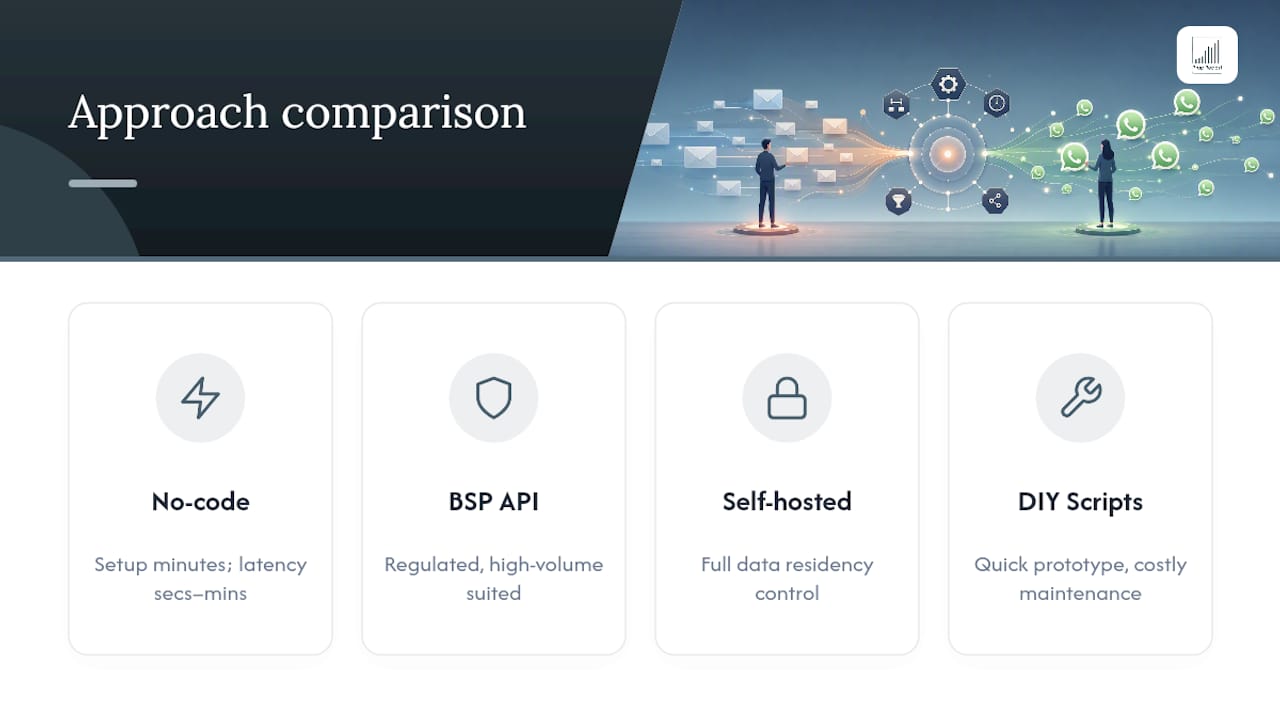
WhatsApp Business API via a BSP suits teams that need outbound template messages, multi-agent inboxes, and a proper audit log. It costs more and takes longer to set up, but it's the only route built for regulated, high-volume communication.
Self-hosted gateways (Evolution API style deployments) give full control over data residency and message formatting. You trade that control for ongoing server maintenance and the burden of handling WhatsApp's own compliance rules yourself.
DIY Node.js scripts connecting Gmail's IMAP to a WhatsApp gateway are quick to prototype but expensive to maintain once the original developer moves on. Fine for tinkerers, risky for anything mission-critical.
How to set up email to WhatsApp with a no-code platform
Setting up a working email to WhatsApp integration with a no-code tool takes under an hour for most people. Here's the sequence that avoids the common mistakes.
- Choose your trigger. Connect Gmail or Outlook via OAuth (recommended) or IMAP, then pick a trigger type: new email, new email matching a search string, or a labelled/starred email. Zapier's Gmail templates use the "new email matching search" trigger specifically to avoid flooding WhatsApp with every newsletter and receipt.
- Filter for signal, not noise. Build a sender whitelist or search string (e.g. "from:maintenance@ OR subject:URGENT") before you connect anything to WhatsApp. This single step prevents the most common failure: a channel nobody reads because it's full of junk.
- Map the fields. Pull sender name, subject line, a short summary, and a link back to the original email into the WhatsApp message body. Pabbly's tutorial walks through capturing a webhook URL and mapping these Gmail fields directly into a "send message" action.
- Handle attachments separately. Don't try to embed large files in the WhatsApp payload. Host the attachment (Google Drive, Dropbox, or your PMS) and send the link instead, with a fallback note if the file is too large to preview.
- Test before you trust it. Send yourself three or four dry-run emails covering a normal case, an edge case (blank subject, unusual sender), and an attachment. Check formatting and delivery on an actual phone, not just the platform's test log.
Pro Tip: Run your filter for two weeks before switching it fully live. Log what gets excluded so you can catch a genuinely urgent email that slipped through the wrong keyword filter.
Business API, templates and compliance: what you must know
There's a real difference between the WhatsApp consumer app, WhatsApp Business app, and the WhatsApp Business API accessed through a BSP. The first two are fine for a single person managing a handful of conversations. The API is what supports multiple agents, automated sends, and message logging at scale.
The rule that catches people out is the 24-hour session window. Once a customer messages you, you can reply freely for 24 hours. Outside that window, you can only send a pre-approved template message, not free text. Property teams sending viewing confirmations or invoice reminders need templates approved in advance for exactly this reason.
Compliance also means capturing consent properly:
- Record opt-in wording and timestamp in your CRM or PMS, not just in WhatsApp itself.
- Log every outbound template send against a tenant or owner ID for audit purposes.
- Store message content centrally rather than leaving records scattered across personal devices.
No-code platforms are excellent for speed but rarely include enterprise-grade archiving unless paired with a CRM or PMS that logs the conversation properly. That gap is where most compliance failures actually happen, not in the messaging itself.
Practical workflows for property managers
These templates map directly onto the daily jobs a property team handles, adjusted for the channel that fits each one.
- Maintenance intake: Map property ID, a photo link, and an urgency tag into the outbound WhatsApp message. Format: "🔧 [Property ID] — Leak reported, Flat 4B. Photos: [link]. Priority: Urgent."
- Viewing confirmation: Email subject becomes the message headline; the body carries a short summary plus a calendar link. Because this is outbound and often sent cold, it needs a pre-approved template, not a free-text message.
- Owner alerts and invoice flags: Use WhatsApp for the "heads up, this needs attention" ping, but keep the actual invoice or financial document on email or the owner portal. WhatsApp is built for fast triage and confirmation, not for storing formal financial records.
- Template snippet: "Hi [Tenant Name], your request for [Unit ID] has been logged. Full details: [link to email]. We'll update you within 24 hours."
Pro Tip: Keep every WhatsApp template under three lines. Tenants and owners read WhatsApp on the move, and a wall of text gets skipped rather than read.
Testing, monitoring and troubleshooting checklist
Run this before launch and repeat it monthly once the workflow is live.
- Test attachments of varying sizes, including PDFs and photos taken on older phones.
- Test non-English content and special characters, which sometimes break field mapping.
- Test an edge-case sender (no display name, auto-generated address) to confirm your filter still catches it correctly.
- Monitor delivery receipts, rejection reasons, and rate limits weekly, not just when something breaks.
- Check logs for authentication failures and template rejections, both common causes of silent failure.
- Build a fallback rule: if WhatsApp delivery fails twice, escalate automatically to email or SMS rather than letting the message vanish.
Blocked numbers and expired sessions are the two issues that catch teams out most often. Both are avoidable with a monitoring dashboard rather than a support ticket after the fact.
Why integrate email with WhatsApp for property operations
The mistake I see most often is treating WhatsApp as a replacement for email rather than a triage layer sitting on top of it. Fast confirmations and urgent maintenance flags belong on WhatsApp because people actually read it within minutes. Formal records, invoices, and anything with legal weight belong on email or a proper portal, and industry practice on this point is consistent for good reason.
Prop Report's role is closing the gap between the two: every WhatsApp exchange gets logged against a property or tenant record automatically, so nothing depends on someone remembering to screenshot a conversation. Once your message volume grows past a handful of properties, that's also the point to move from quick no-code alerts to a proper BSP integration, ideally one that already writes back into your PMS.
— James
How Prop Report handles email to WhatsApp for property teams
Most no-code tools get you WhatsApp alerts. Getting an audited, searchable record of every tenant and owner conversation alongside your property data is a different problem entirely, and it's the one Prop Report was built to solve.
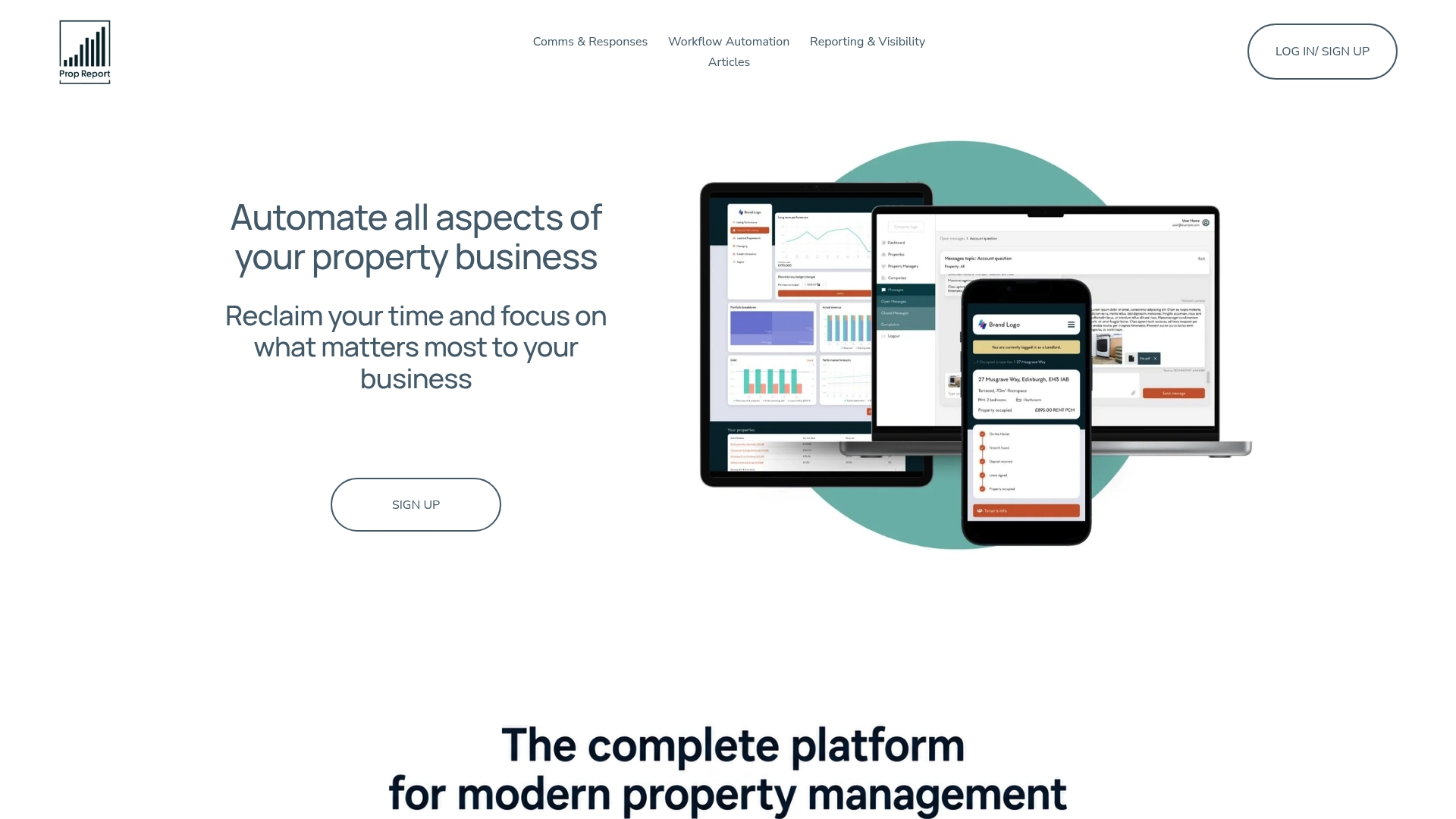
Prop Report centralises email, SMS, and WhatsApp into a single communication hub tied directly to each property record, so a maintenance thread or owner query never gets lost between three separate apps. Every message logs automatically against the right tenant or property ID, giving you the audit trail that a Zapier alert alone can't provide. The platform holds ISO 27001 certification, covering how message data and property records are handled and stored.
If you're currently managing this with a patchwork of forwarding rules and hoping nothing slips through, it's worth seeing how Prop Report's AI-driven property management handles it instead. Book a demo and bring your messiest inbox. If lead response speed is also a bottleneck, SendMLS is worth pairing with it for automating offer workflows on the sales side.
Sources
For hands-on setup guidance, n8n's AI-powered email forwarding workflow combines Gemini classification with WhatsApp forwarding for filtering noise automatically. Pabbly's Gmail to WhatsApp tutorial covers webhook setup step by step. Zapier's Gmail notification walkthrough explains field mapping clearly. IFTTT applets work for single-user alerts but carry polling delays unsuitable for business-critical flows.
- Automate Email Notifications from Gmail to WhatsApp Using Pabbly Connect - Pabbly
- Get WhatsApp notifications for important emails — Zapier