
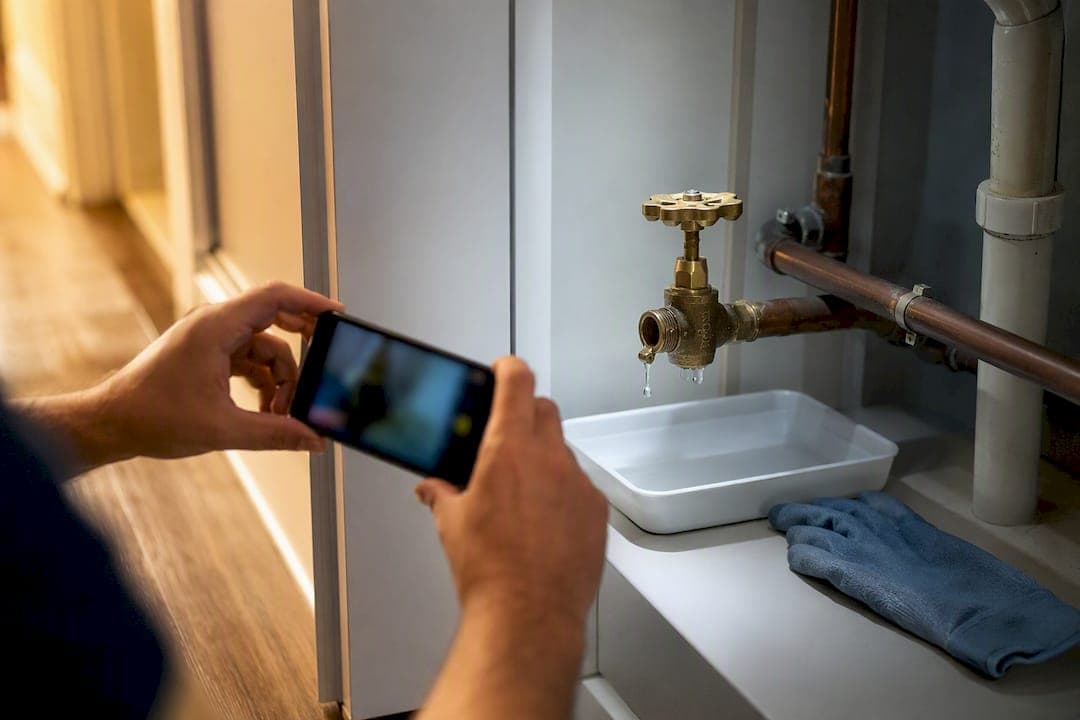
Maintenance triage automation turns tenant reports into prioritised, dispatch-ready work orders in minutes rather than hours, cutting the time a coordinator spends reading, sorting, and phoning around for a match. It works by automating four steps: intake, classification, prioritisation, and dispatch or escalation. Done properly, it means fewer mis-dispatches, a cleaner audit trail, and tenants who hear back faster. What follows is a tiered, vendor-agnostic blueprint you can start applying this week.
TL;DR:
- Automated triage reduces request-to-dispatch time by eliminating manual sorting and improves first-assign accuracy by integrating AI classification and vendor ranking.
- The process requires minimum data input at intake, including property details, a photo, and a fault description, to prevent delays and skipped automation steps.
- A phased rollout from separate intake points to full AI-driven prioritisation typically spans weeks to months, emphasizing small pilots and continuous KPI monitoring.
- Prop Report offers a ready-made platform that integrates existing property management systems and supports tiered automation, starting at £10 per month.
Table of Contents
- How maintenance triage automation actually works from intake to closure
- A tiered blueprint: starter, growth, and enterprise steps
- Human-in-the-loop rules and the edge cases that need one
- Implementation checklist: data, integrations, KPIs, and testing
- How Prop Report maps to this blueprint
- What actually slows teams down when rolling this out
- Ready to put this blueprint into practice?
- Sources
- FAQ
How maintenance triage automation actually works from intake to closure
Every automated triage system runs on the same underlying logic, whatever software sits behind it. A tenant report comes in, gets read and classified, gets scored for urgency, and lands with the right vendor. The mechanics behind each step matter more than the label on the dashboard.
Intake can arrive through several channels at once: email, SMS, a web form, a QR code fixed to a utility cupboard, or a phone call transcribed into text. Whichever channel is used, the system needs a minimum data set to work with: the property and unit, at least one photo, a description of the fault, access instructions, and the tenant's availability window. Skip any of these and a human ends up chasing for detail later, which defeats the point of automating the intake at all.
Once the report lands, natural language processing reads the free text and photo metadata to classify the trade involved (plumbing, electrical, appliance, structural) and the likely symptom. A priority score follows, weighing safety flags, the SLA window that applies to that fault type, and any pattern of repeat reports at the same address. Dispatch logic then matches a vendor by skill, proximity, and, where the system supports it, live parts availability, an approach described in detail in this work order auto-triage blueprint.
Two things need to happen behind the scenes for this to hold together operationally:
- Every triaged job pushes into the property management system or work-order platform, so the PMS stays the single source of truth rather than a shadow spreadsheet.
- Every classification, score, and dispatch decision gets logged with a timestamp, creating an audit trail that protects you in disputes over response time, billing, or vendor performance.
A tiered blueprint: starter, growth, and enterprise steps
You do not need enterprise software to start automating triage. A tiered rollout, borrowed from the starter, growth, and enterprise stack model used across the sector, lets you build confidence before you build complexity.
Starter tier (days to weeks). Set up a single intake point, whether that is a dedicated inbox, a web form, or an inbound tenant call model. Require the minimum fields before a report can be submitted: property, unit, photo, and a short description. Triage stays manual at this stage, but you use templates to standardise how a coordinator scores and routes each request, so the process is consistent even before software takes over any of it.
Growth tier (weeks to months). Layer in AI classification to sort incoming reports by trade and urgency automatically. Add vendor ranking so the system suggests, rather than assigns, the best-matched contractor by skill and proximity. Introduce a parts availability check before dispatch, and connect two-way sync with your PMS so status updates flow back without manual re-entry.
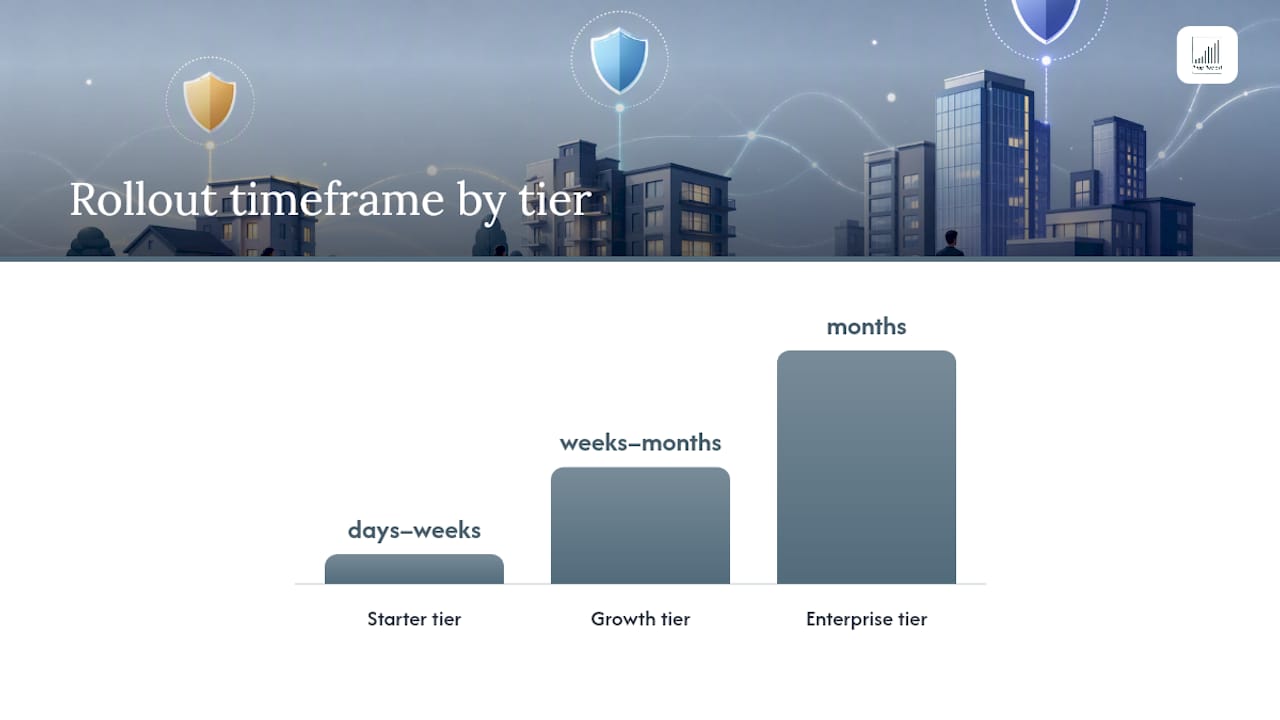
Enterprise tier (months). This is where machine learning starts spotting patterns a human would miss: repeat-fault detection across a portfolio, condition-based triggers pulled from sensor data or maintenance history, and organisation-wide integration across finance, compliance, and reporting systems. Condition-based prioritisation, where the trigger for a job comes from an operational signal rather than a tenant complaint, is explored in more depth in this overview of maintenance prioritisation.
Follow these steps to move through the tiers without breaking anything mid-rollout:
- Map every existing intake channel and consolidate them into one workflow before adding automation.
- Run pairwise tests, comparing manual triage decisions against the automated classifier's suggestions, before trusting it unsupervised.
- Define your SLA and priority thresholds in writing so the escalation rules are unambiguous to both staff and software.
- Pilot with one property type or one region first, not the whole portfolio at once.
- Measure the pilot against a small set of KPIs weekly, and retrain or reconfigure the classifier based on what the errors show you.
Pro Tip: Run your pilot on your highest-volume property type first, not your trickiest one. You want enough report volume to see patterns within a fortnight, not wait three months for enough data to matter.
Human-in-the-loop rules and the edge cases that need one
Automation should add guardrails to your maintenance process, not remove your ability to intervene. Some incidents must always route straight to a human coordinator, regardless of how confident the classifier is. This is the human-in-the-loop principle applied to property operations, and it exists because a misclassified emergency is far more expensive than a slower routine repair.
Always route these to a person, immediately, with no automated dispatch step in between:
- Gas leaks or suspected carbon monoxide exposure
- Fire alarm faults or any report mentioning smoke or burning smell
- Structural damage that suggests immediate risk to occupants
- Any report where the tenant's own language signals distress or danger
Build a short review SLA for coordinator overrides, ideally under fifteen minutes for anything flagged as high risk, and log every override decision for compliance. The other common failure point sits in the "last mile": a vendor confirmed on paper who does not actually show up, or a part assumed in stock that turns out not to be. Mitigate this with vendor confirmation steps, up-to-date insurance and licence checks built into the vendor panel, and invoice matching against the original work order before payment goes out.
Implementation checklist: data, integrations, KPIs, and testing
Preparation determines whether your rollout takes weeks or months. Before switching on any classifier, get four things in order.
Data to prepare:
- An asset register covering every property, unit, and major fitting
- A vetted vendor panel with skills, coverage area, and current licence and insurance status
- A parts inventory or at least a known-lead-time list for your most common repairs
- Tenant access permissions and preferred contact channels recorded against each unit
Integration priorities, in order: your PMS work-order API first, since everything else depends on having a system of record to push into; then inbound email and SMS gateways for intake; then photo storage that ties images to the correct work order without manual filing.
KPIs from day one:
- Request-to-dispatch time
- First-assign accuracy (did the first vendor match actually fit the job?)
- First-time fix rate
- SLA breaches by category
Early performance signal: vendor-reported deployments of automated triage typically show dramatic reductions in coordinator triage time alongside improved first-assign accuracy, though these are industry-reported figures rather than independent measurement, so treat them as a directional benchmark, not a guarantee.
Test in a sandbox before going live, run your pilot against real (but low-stakes) reports, and build a feedback loop that lets you correct misclassifications weekly for the first two to three months. Classifier accuracy improves fastest in that early window, when there is still enough manual oversight to catch and correct mistakes before they become patterns.
How Prop Report maps to this blueprint
Prop Report was built around the same intake, integration, and audit principles this blueprint describes. The platform automates data reporting and connects directly into existing CRM and work-order systems, so triaged jobs land in your system of record rather than a separate silo, addressing the workflow automation layer covered in the growth tier above.
Real-time insights and a centralised communication hub mean landlords and property managers see status updates as they happen, rather than chasing coordinators for progress reports. Prop Report holds ISO 27001 certification, relevant to the audit and evidence requirements this blueprint sets out, and its tenant maintenance call models and AI-driven tools correspond directly to the starter, growth, and enterprise stages described above, with more detail on the platform's AI capabilities available on the Arthur page.
What actually slows teams down when rolling this out
The technical side of triage automation is rarely the hard part. It is getting a coordinator who has triaged manually for a decade to trust a classifier's first suggestion, and getting vendors to accept jobs that arrive through a new channel instead of a familiar phone call. Data gaps, particularly missing photos or vague location fields, cause more failed automations than any weakness in the classifier itself.
Pilot small, show a quick win within the first fortnight, and keep a human reviewing every automated decision at the start. Pick one intake channel and one KPI, and prove it before expanding further.
— James
Ready to put this blueprint into practice?
Propreport is the practical route into this blueprint for teams who do not want to stitch together separate intake, classification, and PMS tools themselves. Rather than replacing your existing systems, it integrates with them, automating the data reporting and communication layers that usually eat a coordinator's week, while its ISO 27001 certification covers the data security expectations that come with logging tenant reports and vendor invoices.
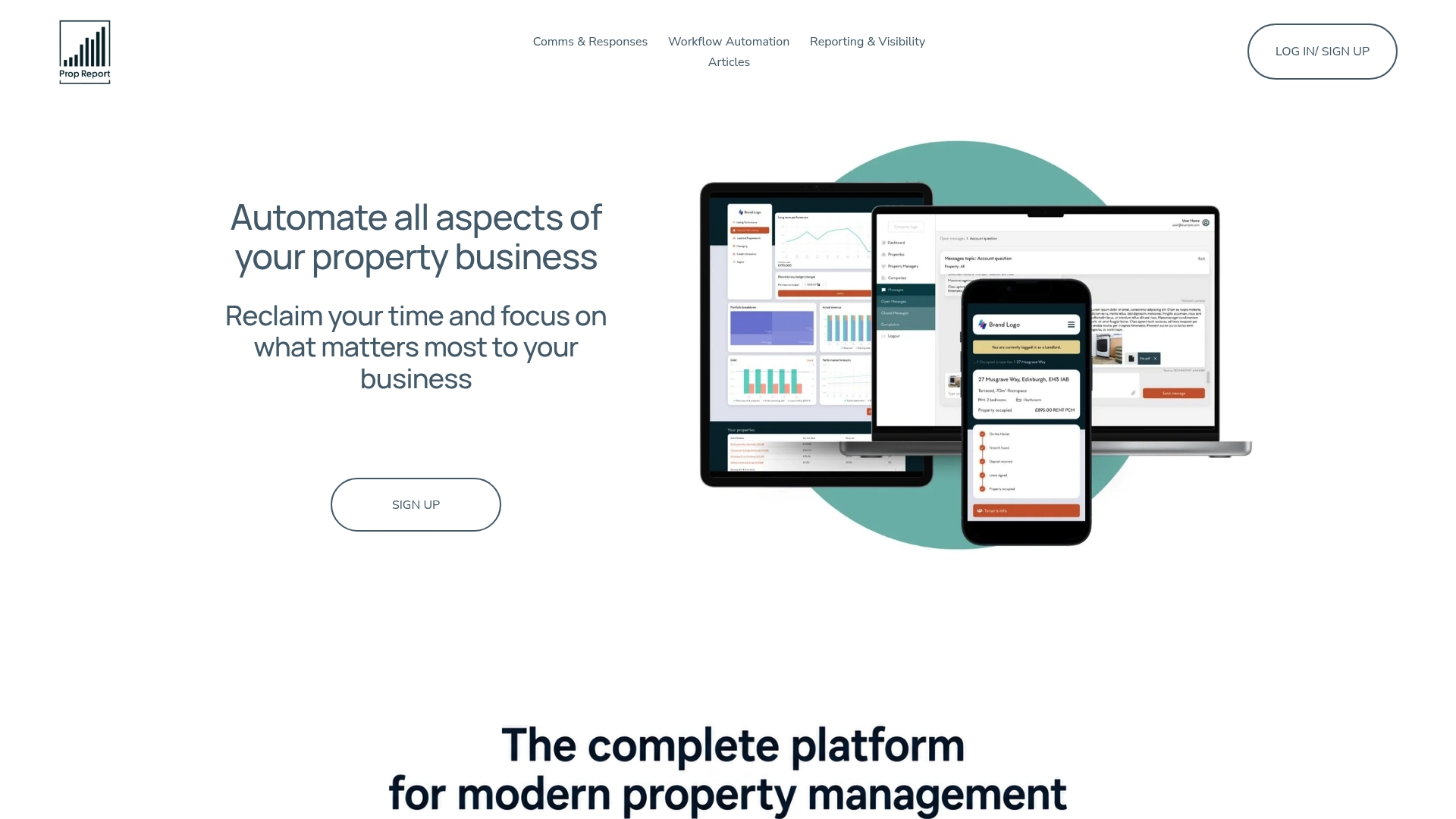
Plans start at £10 a month for the Individual tier, scaling up through Starter, Growth, Scale, and Pro as your portfolio grows, with unlimited users on every plan rather than seat-based pricing that punishes you for adding staff. If you manage tenant communication at volume, the Communications Hub and tenant call models map directly onto the starter and growth tiers covered above. Check current plans and fees on the pricing page and see which tier fits where your portfolio sits today.
Sources
- Work Order Auto-Triage: AI + Software Workflow Blueprint (2026) | ITQlick
- Nulogy Maintenance — condition-based maintenance and prioritisation
FAQ
What is maintenance triage automation?
It is the automated process of turning a tenant's maintenance report into a classified, prioritised, and dispatch-ready work order, without a coordinator manually reading and sorting every request. The core steps are intake, classification, prioritisation, and dispatch or escalation.
How do I automate maintenance requests without losing control over emergencies?
Build a human-in-the-loop rule into the system so anything flagged as gas, fire, or structural risk routes straight to a coordinator, never to automated dispatch. This human-in-the-loop approach is standard practice for safety-critical automation, not just property maintenance.
What is the fastest way to start with triage workflow automation?
Start with a single intake channel and require minimum fields (property, photo, description) before a report is accepted, then run manual triage using consistent templates. Add AI classification and vendor ranking once you trust the manual baseline, typically in the growth tier of a starter to enterprise rollout.
Which KPIs actually show whether automation is working?
Track request-to-dispatch time, first-assign accuracy, first-time fix rate, and SLA breaches from day one rather than waiting for a full quarter of data. These four metrics catch most classifier and dispatch problems early, before they show up as tenant complaints.
Does Prop Report handle maintenance triage automation?
Prop Report automates data reporting and integrates with existing CRM and work-order systems, mapping to the intake, integration, and audit-trail steps this blueprint describes. Pricing starts at £10 a month for the Individual plan, with Starter, Growth, Scale, and Pro tiers available as your portfolio scales.