

A portfolio performance report consolidates rent roll, occupancy, arrears, maintenance costs, and yields into one owner-facing view of how a rental property or portfolio is actually performing. The most effective approach isn't a bigger spreadsheet. It's automated, consolidated reporting that pulls data from your property management system, accounting software, bank feeds, and maintenance logs into a live dashboard plus templated statements owners can trust without a phone call.
Done properly, this delivers three things immediately:
- Time back. Manual owner statements eat staff hours every single cycle; automation reclaims most of that.
- Earlier arrears detection. Problems surface in days, not at month end when it's too late to act.
- Owner confidence. Portal access and consistent templates cut the "can you explain this line" emails dramatically.
Platforms built for this, including Prop Report with its ISO 27001 certification, also give landlords a data security guarantee that a shared spreadsheet never can.
Key Takeaways
Automated, consolidated portfolio performance reports save staff time, catch arrears earlier, and build owner trust through consistent, templated statements.
| Point | Details |
|---|---|
| Consolidate four data sources | Join PMS, accounting, bank feeds, and maintenance logs into one canonical report. |
| Cut delivery time dramatically | Automation can move statements from day 8-12 to day 2-3 after month close. |
| Present KPIs together | Show rent roll, occupancy, arrears, and yield side by side, not as isolated figures. |
| Use exception queues | Route only flagged statements for human review to save reviewer hours. |
| Choose an integrated platform | Prop Report combines automated reporting, an owner portal, and ISO 27001-certified security in one system. |
Table of Contents
- Why automation matters: labour, accuracy and owner trust
- Core KPIs and how to present them in a portfolio performance report
- How to build automated portfolio performance reports: integrations, templates and exception rules
- Dashboard design and report cadence: layered views from portfolio to property
- Implementing automation on top of your current stack without disruption
- Common pitfalls, red flags and a quick audit checklist before you go live
- A manager's short account of month-end after automation
- Automate your owner reporting with Prop Report
- Sources
Why automation matters: labour, accuracy and owner trust
Most owner reports are still assembled by hand because the numbers live in four or five disconnected systems. That's the real cost. Manual preparation typically pushes delivery to day 8 to 12 after month close, with owners chasing updates the whole time.
Statistic callout: Automation can move delivery from day 8-12 to day 2 or 3 after close, while templating pushes statement error rates from roughly 3-6% down to under 0.5%.
That single shift changes staff behaviour, not just paperwork:
- Property managers spend less time assembling numbers and more time interpreting them.
- Owners with portal access raise fewer ad hoc queries because the narrative context is already there.
- Errors caught by templating rarely reach an owner's inbox at all.
Spreadsheets also break down structurally as portfolios grow, because there's no relational model tying a property, its tenancies, and its incidents together. Automation forces that structure into existence, which is half the reason it works.
Core KPIs and how to present them in a portfolio performance report
Every report needs a non-negotiable financial core: rent roll, collected versus billed rent, net operating income, and net yield. These four numbers tell an owner whether the property is earning what it should, and whether the gap between billed and collected is a timing issue or a real problem.
Operational metrics matter just as much, even though owners often skim past them:
- Occupancy rate, tracked against the portfolio average, not just the single property.
- Days to let for any vacant unit, since this is usually the first sign of a pricing or marketing issue.
- Tenant turnover rate over a rolling twelve months.
- Accounts receivable ageing, split into 30, 60, and 90 day bands.
Statistic callout: Real estate KPIs are most useful when analysed together to provide comprehensive insights rather than in isolation. A dashboard showing occupancy alongside arrears and maintenance spend turns three flat numbers into an early warning system.
Show every figure against last month and against the same month last year. A single occupancy rate tells you nothing. An occupancy rate that's dropped four points in ninety days while days-to-let has doubled tells you exactly where to focus.
How to build automated portfolio performance reports: integrations, templates and exception rules
You don't need to replace your property management system to automate reporting. You need to join what it already holds with your accounting platform, bank feeds, and maintenance logs, then let templates and exception rules do the manual work you're currently doing by hand.
- Map every data source and agree one canonical property identifier. Mismatched property codes between your PMS and accounting system are the single most common cause of broken automated reports.
- Choose your integration path. Use a native API where your PMS supports one; bring in an orchestration or middleware layer once data spans more than two or three systems, since connecting PMS and accounting data through a standard data object is how most automated platforms assemble a statement before templating it.
- Build three template types, summary, line-item, and consolidated multi-property, and tag each owner with their preferred format so nobody gets a report they'll ignore.
- Set exception thresholds (arrears over a set number of days, maintenance spend above a set percentage of rent, occupancy swings past a defined band) and route only those flagged statements to a short human review queue.
Pro Tip: Start your exception thresholds tight and loosen them over the first two or three cycles. Too many false flags in week one will make staff distrust the whole queue.
Dashboard design and report cadence: layered views from portfolio to property
A single crowded screen tries to serve everyone and satisfies no one. The stronger model uses four distinct dashboard layers: a portfolio-wide morning health check, a property-level drill-down, live cash and trust account balances, and an accounts receivable ageing view.
Each layer has a different audience and a different job:
- The portfolio overview belongs to managers scanning for outliers before the day starts.
- Property drill-downs belong to whoever owns that asset's day-to-day performance.
- Cash and trust visibility belongs to finance, where a delayed reconciliation is a compliance risk, not just an inconvenience.
- AR ageing belongs to whoever chases arrears, tagged and filtered by property.
Cadence should follow the same logic. Real-time alerts catch the urgent stuff as it happens; a daily health check keeps managers oriented; monthly official statements go to owners on a fixed schedule they can rely on. Real-time dashboards let you prevent a problem rather than simply discover it after the fact.
Implementing automation on top of your current stack without disruption
You don't need a system replacement to get this working, and you shouldn't attempt one on a live portfolio. Start with read-only integrations that pull data without writing back into your PMS or accounting platform. That single decision removes most of the risk from a rollout, because a broken read-only feed just means a delayed report, not corrupted source data.
- Roll out to one property group first, validate the numbers by hand for one full cycle, then expand.
- Fix your master-data problems before anything else: mismatched property codes, inconsistent unit naming, and multi-entity ledgers that split ownership structures will corrupt every report downstream if left unresolved.
- Log every delivery. An audit trail showing when each owner statement was generated and sent protects you in a dispute and satisfies most compliance reviews without extra work.
Dashboards genuinely earn their keep once a portfolio passes around 100 units. Below that threshold, a well-configured packaged tool is often enough; above it, an orchestration layer tends to pay for itself quickly.
Common pitfalls, red flags and a quick audit checklist before you go live
Run this checklist before the first automated cycle reaches an owner's inbox:
- Reconcile total income and expenses against your accounting system's own figures, not just the PMS export.
- Verify trust account balances match to the penny; even a rounding discrepancy here undermines owner trust instantly.
- Spot-check three or four templates manually against the source data before trusting the batch run.
- Confirm delivery logging captured every statement sent, with a timestamp.
Watch for three recurring red flags: a bank feed that's silently stopped updating, property IDs that don't match cleanly between systems, and a maintenance cost spike with no invoice attached to explain it. Exception queues exist precisely so staff spend their attention on genuine anomalies like these, rather than re-checking statements that were already correct.
A manager's short account of month-end after automation
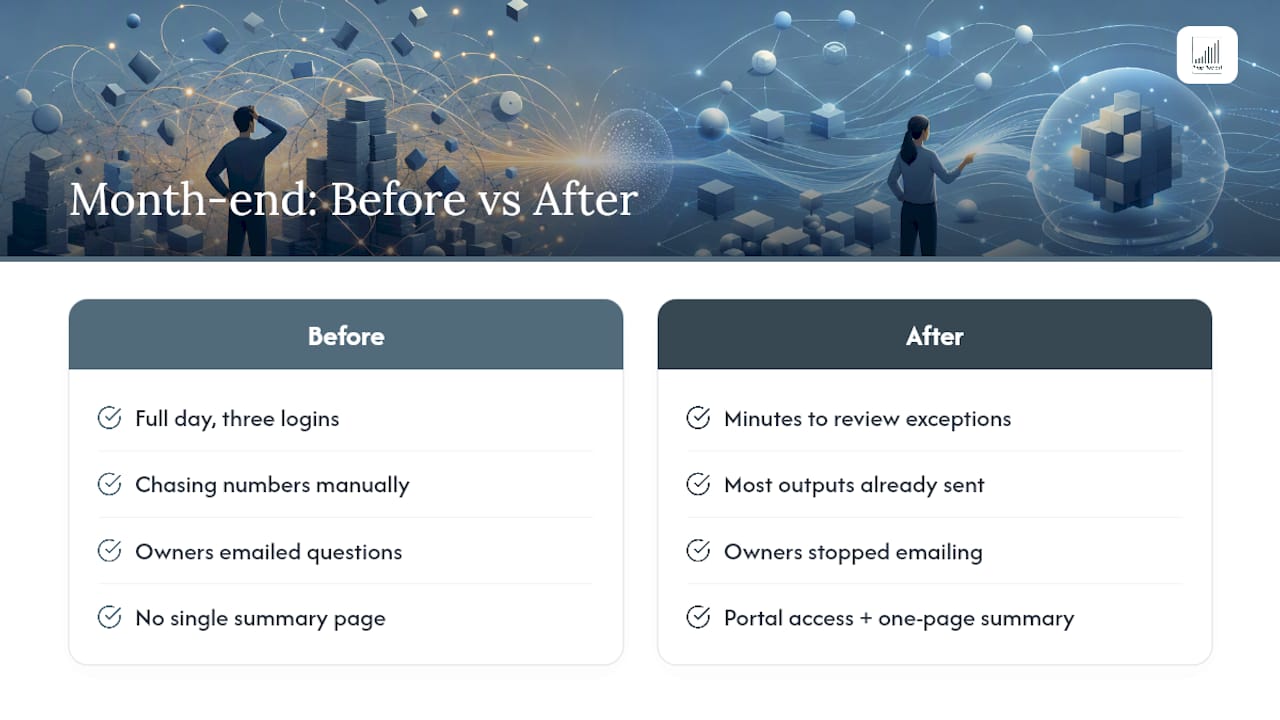
Before automation, month-end meant a full day chasing numbers across three logins. Now the flagged exceptions take minutes to review, and everything else has already gone out.
Owners stopped emailing to ask what a line item meant once they had portal access and a one-page summary up front. Platforms like Prop Report, built with ISO 27001-certified data handling, show what an integrated system looks like when the reporting, the communication, and the compliance sit in one place instead of three.
— James
Automate your owner reporting with Prop Report
Prop Report replaces the month-end scramble with a platform that already connects to your PMS, accounting software, and bank feeds, so statements build themselves instead of consuming a full day of staff time. You get consolidated dashboards across the whole portfolio, property-level drill-downs, templated owner statements, and a dedicated owner portal that cuts the follow-up emails almost entirely.
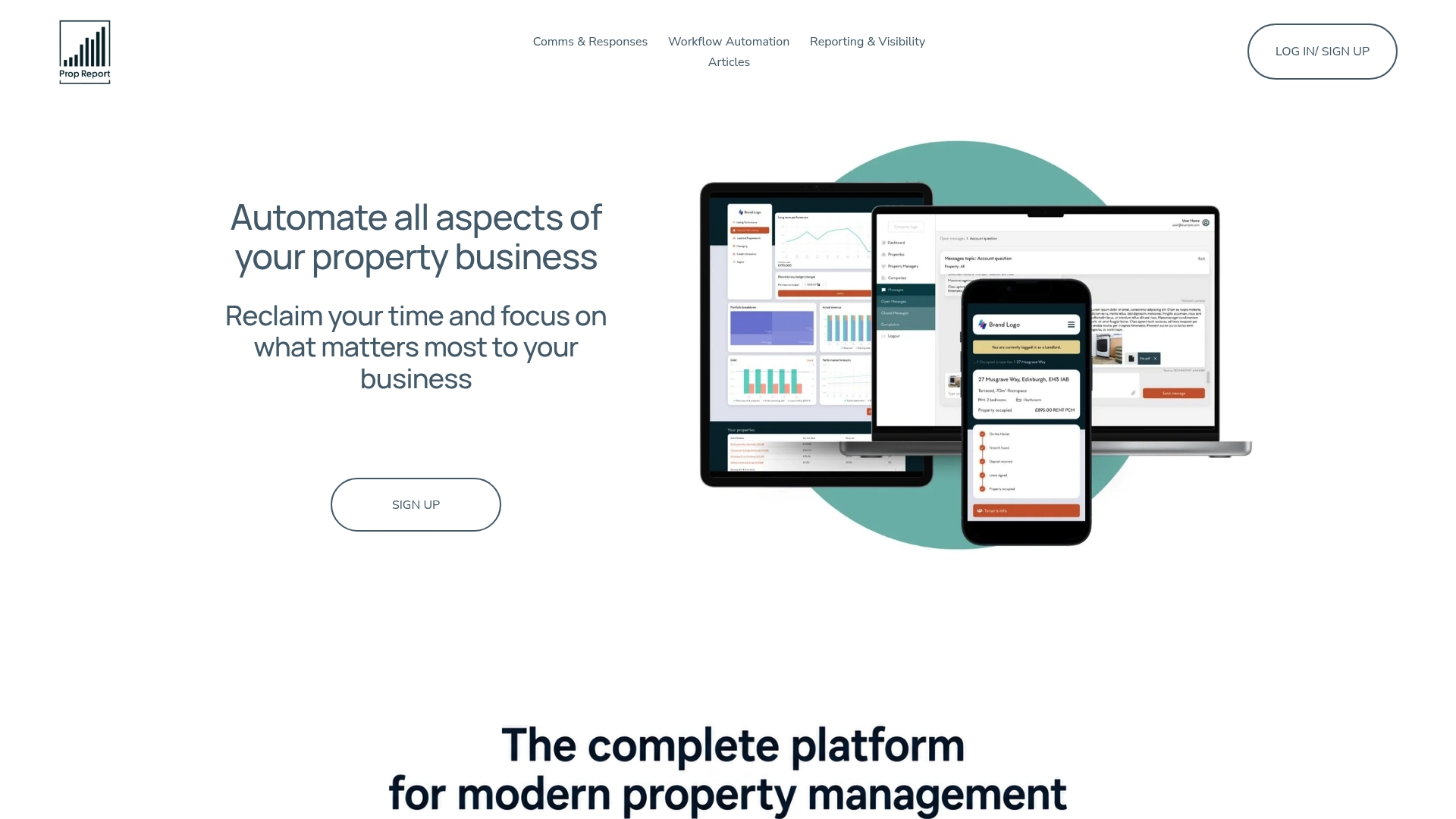
Every report runs on an ISO 27001-certified platform, so sensitive tenant and financial data stays protected while it moves between systems. If you're managing more than a handful of properties and still building statements by hand, that's the exact gap Prop Report was built to close. Visit the landlord features page to see the integrations in detail, or start a trial to see your own portfolio on a live dashboard within days.
Sources
- Owner reports: Why manual prep still drains property managers (US Tech Automations)
- Property management dashboard: real-time visibility (Numetix)
- Real estate metrics and KPIs (NetSuite)
- Why spreadsheets break at scale (Kenodo)