

Automation cuts manual admin, speeds up response times, and puts your reporting in one place instead of five inboxes. It works because it removes the repetitive, low-judgement steps between a trigger (rent due, ticket logged) and an outcome (payment reconciled, job assigned) without waiting for a person to notice.
Start here, today:
- List every task you or your team repeat weekly.
- Rank each by volume and time spent.
- Pick the single highest-volume task and run a two-week pilot automating just that one workflow.
Platforms such as Prop Report exist specifically to support this kind of staged rollout, handling the reporting and communication layer while you keep control of exceptions.
Key Takeaways
Property management automation succeeds when high-frequency, low-exception tasks run automatically while disputes, legal notices, and financial adjustments stay under human review.
| Point | Details |
|---|---|
| Start with one workflow | Pick the highest-frequency, lowest-complexity task, usually rent reminders or maintenance triage, for your first pilot. |
| Keep humans on exceptions | Route tenant disputes, legal notices, and one-off financial adjustments to manual review regardless of automation confidence. |
| Track five core metrics | Measure time per ticket, days to lease, collection rate, report delivery time, and MTTR before and after the pilot. |
| Fix data before connecting systems | Standardise tenant IDs, property IDs, and vendor codes to avoid rollout delays. |
| Consolidate with Prop Report | Prop Report centralises reporting, CRM and finance integration, and multi-channel communication under ISO 27001 certification. |
Table of Contents
- What counts as property management automation?
- Which property management tasks can you actually automate?
- How much does automation actually save, and how do you measure it?
- How do you actually roll out automation without breaking anything?
- What integrations does a property management tech stack need?
- How Prop Report puts automation into practice
- Ready to automate your reporting without losing control?
- Sources
What counts as property management automation?
Property management automation means using rules, scheduled triggers, and AI-assisted workflows to carry out repetitive tasks across your systems without manual input at every step. That's different from a spreadsheet template or a shared inbox, which still need a person to act on every line. Automation acts on your behalf, within boundaries you set.
The "human-in-the-loop" distinction matters more than most guides admit. Some tasks should run fully unattended: a rent reminder, a maintenance ticket acknowledgement, a document filed after signature. Others need a person to approve before anything happens: legal notices, tenant disputes, or non-standard financial adjustments. Getting that boundary wrong is the single most common failure in early automation projects.
Two examples make the scope concrete:
- Rent reminders: triggered automatically three days before due date, escalated automatically if unpaid, but a payment plan negotiation stays with a human.
- Maintenance triage: a tenant's photo and description get automatically categorised and routed to the right vendor, but anything flagged "urgent" or over a cost threshold waits for manager sign-off.
Which property management tasks can you actually automate?
Most portfolios have five or six recurring workflows that eat disproportionate time. Here's where automation earns its keep.
- Leasing and onboarding. Automated listing syndication, application screening against pre-set criteria, and e-signature workflows for tenancy agreements cut the gap between an enquiry and a signed lease.
- Rent collection and accounting. Scheduled billing, automatic payment retries on failed transactions, and reconciliation flags when a ledger entry doesn't match a bank feed. This is usually the highest-frequency, lowest-complexity workflow in a portfolio, which makes it the obvious pilot candidate.
- Maintenance and vendor coordination. Automated triage sorts requests by urgency and category, assigns them to the right vendor, sends SLA reminders if a job stalls, and fires off a short survey once it's closed. This is where maintenance workflow automation delivers the clearest day-to-day relief, because maintenance requests are constant and largely repetitive.
- Tenant and owner communications. Templated messages for routine updates, weekly digests instead of one-off emails, and channel routing so a tenant who prefers WhatsApp doesn't get an email they'll ignore.
- Document and compliance management. Automated filing of signed documents, renewal reminders for gas safety certificates or insurance, and an audit trail that shows who approved what and when.
- Reporting and analytics. Scheduled owner reports, anomaly detection on spend or arrears, and portfolio dashboards that update without anyone pulling numbers manually.
- Specialised workflows. Smart-sensor alerts (leak detection, temperature thresholds in vacant units) and inspection scheduling, where the property type justifies the extra integration.
Pro Tip: Automate the acknowledgement and routing step of maintenance requests before you touch anything downstream. Tenants judge responsiveness by how fast they hear back, not by how fast the job finishes.
How much does automation actually save, and how do you measure it?
The honest answer is: it depends on which workflow you automate first, but the pattern across the sector is consistent. Industry case summaries suggest workflow automation can cut transaction coordination time by roughly 45 to 60 percent in real estate operations, freeing staff for tasks that actually need judgement.
Track a small set of metrics before and after any pilot:
- Average time spent per maintenance ticket, from log to close.
- Days to lease a vacant unit.
- Rent collection rate and average days late.
- Time from month-end to owner report delivery.
- Mean time to repair (MTTR) for maintenance jobs.
Benchmark your current numbers for four weeks before changing anything, then set a target for the pilot period. For a 50-unit portfolio, if your team spends 15 minutes per maintenance ticket on triage and assignment and you run 40 tickets a month, that's 10 hours monthly on a task automation can largely absorb. Multiply that across rent chasing and report compilation and the hours add up fast, even before you touch leasing.
On integration specifically: vendor guidance suggests unified platforms with standardised data models can let AI agents handle up to 40 percent of operational tasks once systems are properly connected, which is precisely why the next section matters as much as the automation itself.
How do you actually roll out automation without breaking anything?
Skip the "automate everything" instinct. A staged rollout protects tenant relationships and gives you evidence before you scale.
- Audit with a frequency times impact matrix. Score every recurring task on how often it happens, how long it takes, and how complex the exceptions are. High frequency, low exception complexity wins the first slot. That usually means rent reminders or maintenance acknowledgement, not lease negotiations.
- Design a tight pilot. Pick one workflow, define what success looks like in numbers (not vibes), assign an owner responsible for watching it, and run it for six to twelve weeks. Shorter and you won't see real patterns; longer and momentum drains away.
- Set exception rules before you switch anything on. Decide upfront what always routes to a human. Tenant disputes, eviction or legal notices, and one-off financial adjustments should stay in a review queue regardless of how confident the automation looks. This isn't caution for its own sake. It's the difference between automation that protects your relationships and automation that quietly damages them.
- Clean your data first. Standardise tenant IDs, property IDs, and vendor codes before you connect anything. Messy source data is the single biggest reason automation projects stall after launch, not the software itself.
- Check permissions and consent. Confirm who can approve what inside the platform, and make sure any automated tenant communication that touches analytics or tracking respects the purpose categories set out in standard consent frameworks.
Deployment speed varies by approach. Off-the-shelf platforms often go live in days to a few weeks, while custom-built integrations can take considerably longer but may unify a messier stack in the process.
Pro Tip: Don't measure a pilot by whether it worked once. Measure it by whether the exception rate stayed low across the full six-to-twelve-week window.
What integrations does a property management tech stack need?
Automation only works as well as the systems feeding it. At minimum, you need your CRM, accounting software, payment processor, calendar, document management system, and a communications gateway talking to each other. Sensor or IoT feeds are worth adding for portfolios with vacant-unit risk or older building stock, but they're an addition, not a starting point.
The direction of the connection matters more than most managers realise. A one-way feed (data flows out but nothing writes back) is fine for read-only reporting. But for anything touching money or occupancy status, you want bi-directional sync. Writeback to accounting and CRM systems prevents data drift, which is the quiet cause behind most "the numbers don't match" conversations landlords have with their managers.
A concrete example: a rent payment lands, the system reconciles it against the ledger automatically, and the owner report updates without anyone touching a spreadsheet. That single chain removes three separate manual steps that used to happen on three separate days.
On security, insist on specifics rather than marketing language:
- ISO 27001 certification, not a vague "we take security seriously" statement.
- Encrypted transport for data in transit.
- Role-based access so a maintenance coordinator can't see financial adjustments they shouldn't.
How Prop Report puts automation into practice
Prop Report builds its platform around the exact workflows covered above rather than treating automation as a bolt-on feature. It automates reporting, connects with existing CRM and finance systems, and centralises tenant and owner communication across email, SMS, and WhatsApp into a single hub.
Consolidating reporting, communication, and finance integration into one platform reduces the reconciliation errors and duplicated admin that come from running several disconnected tools side by side.
Two things stand out for managers evaluating a platform on trust, not just features:
- Prop Report holds ISO 27001 certification, which covers information security management rather than being a generic security claim.
- The platform's integration approach is built specifically to reduce the duplication that happens when CRM, accounting, and communications sit in separate tools.
Case studies and specific time-savings figures for individual portfolios will be added here as they're published.
A note from the field
Data quality, not the software, is what derails most rollouts. Get stakeholder buy-in early, start with one workflow, and expect to iterate. — Author credentials and portfolio experience to be added.
Ready to automate your reporting without losing control?
The workflows above only pay off if the systems underneath them talk to each other properly, which is exactly the gap Prop Report was built to close. Instead of stitching together a CRM, a finance tool, and three separate messaging apps, you get automated reporting, CRM and finance integration, and a single communications hub covering email, SMS, and WhatsApp in one place.
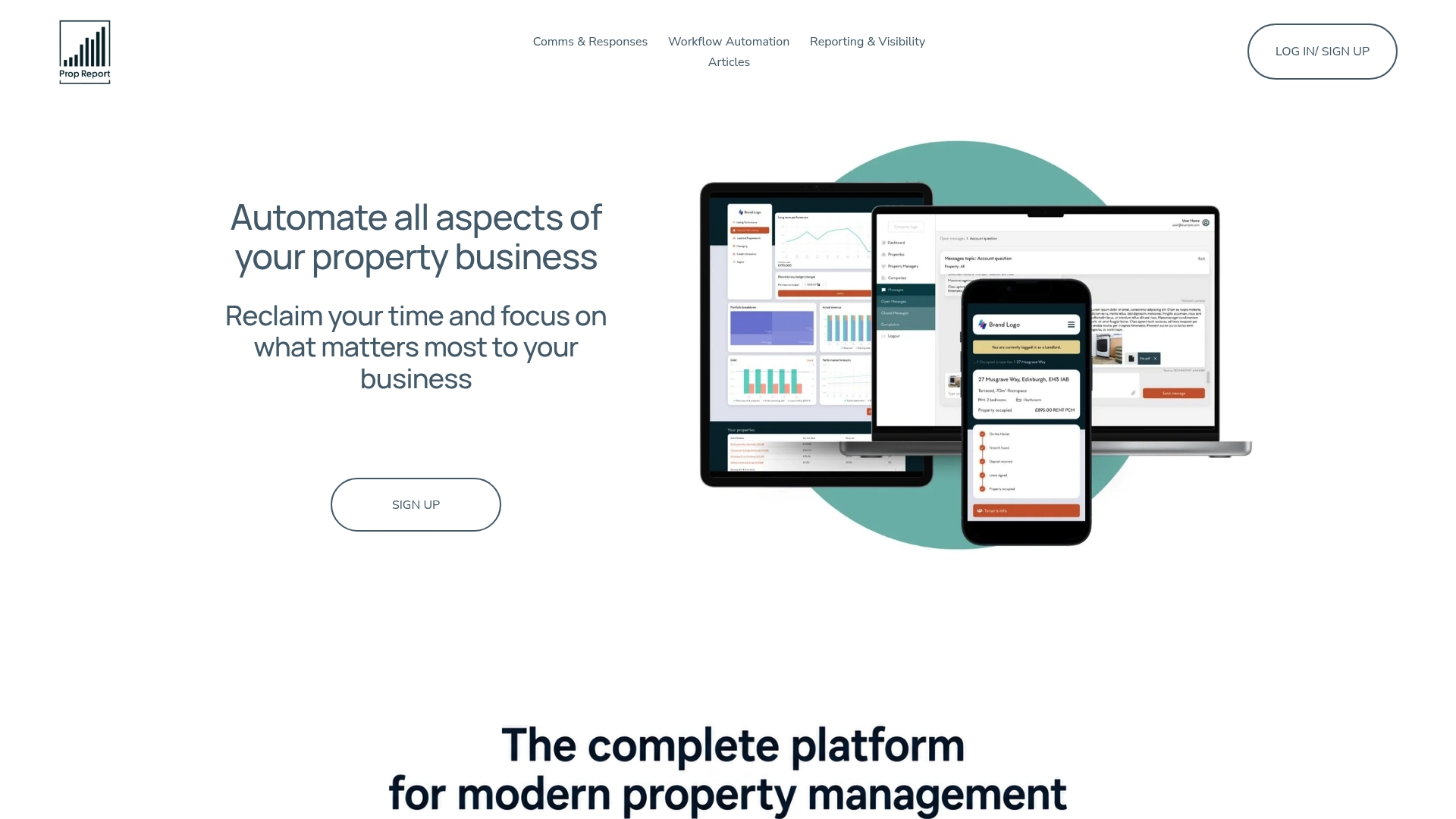
That matters most for portfolio landlords and property managers who've outgrown spreadsheets but aren't ready for the overhead of a fully custom build. Prop Report's AI-driven property management platform handles the triage, routing, and reporting work covered in this guide while keeping exceptions in your hands. If you're running the audit described above and want to see how a pilot would actually look on your portfolio, book a demo through the Prop Report platform and bring your highest-volume workflow with you.
Sources
- AI Workflow Automation for Real Estate | SuperDupr
- ProptechOS | AI for real estate. Built to act.
- Cookiedatabase